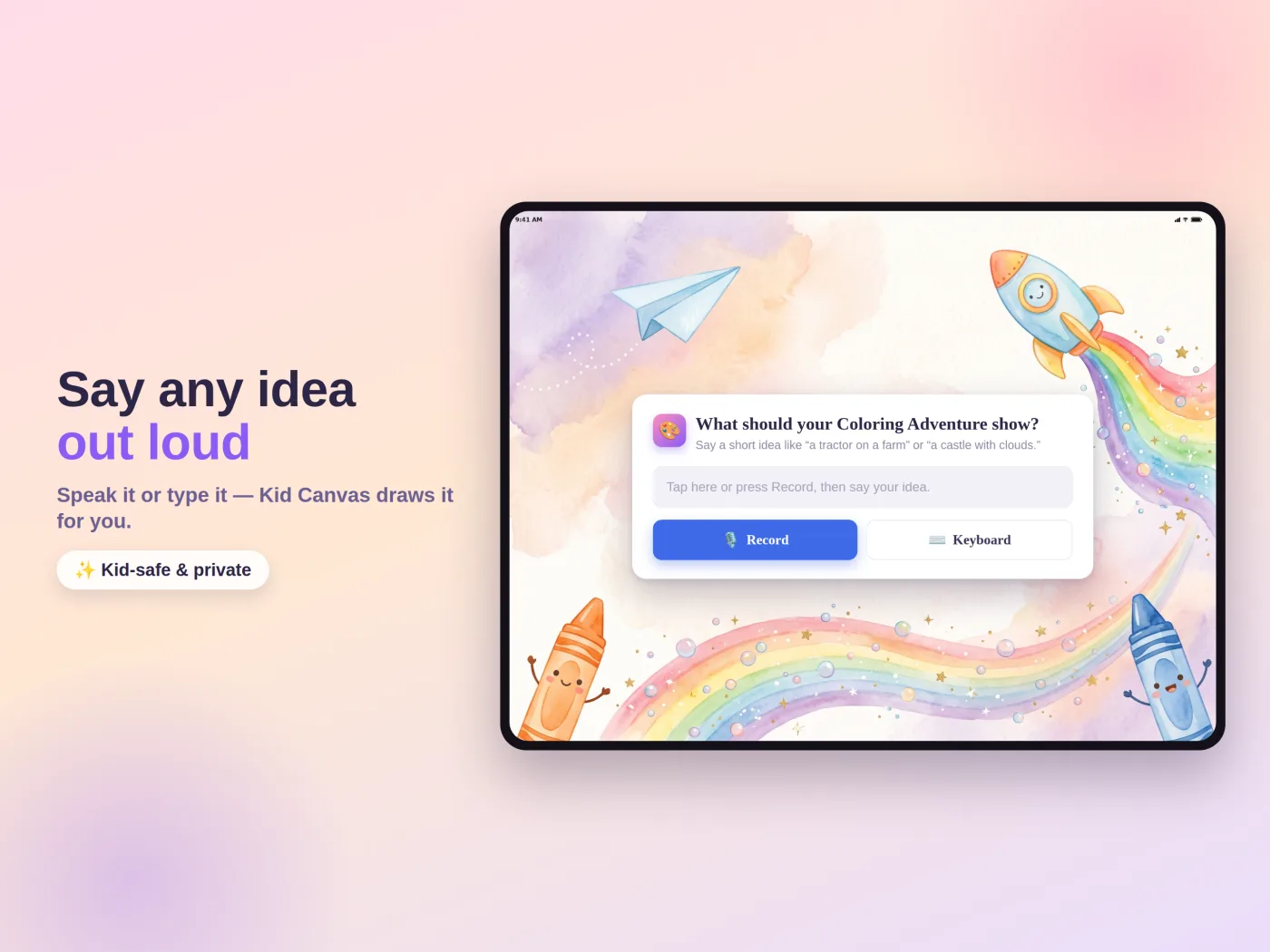
Say any idea out loud.
A princess castle garden. A happy cat in space. A tractor on a farm. Speak it or type it, and Kid Canvas turns the idea into a clean coloring adventure.
Voice or keyboardKid-safe promptsOriginal pages
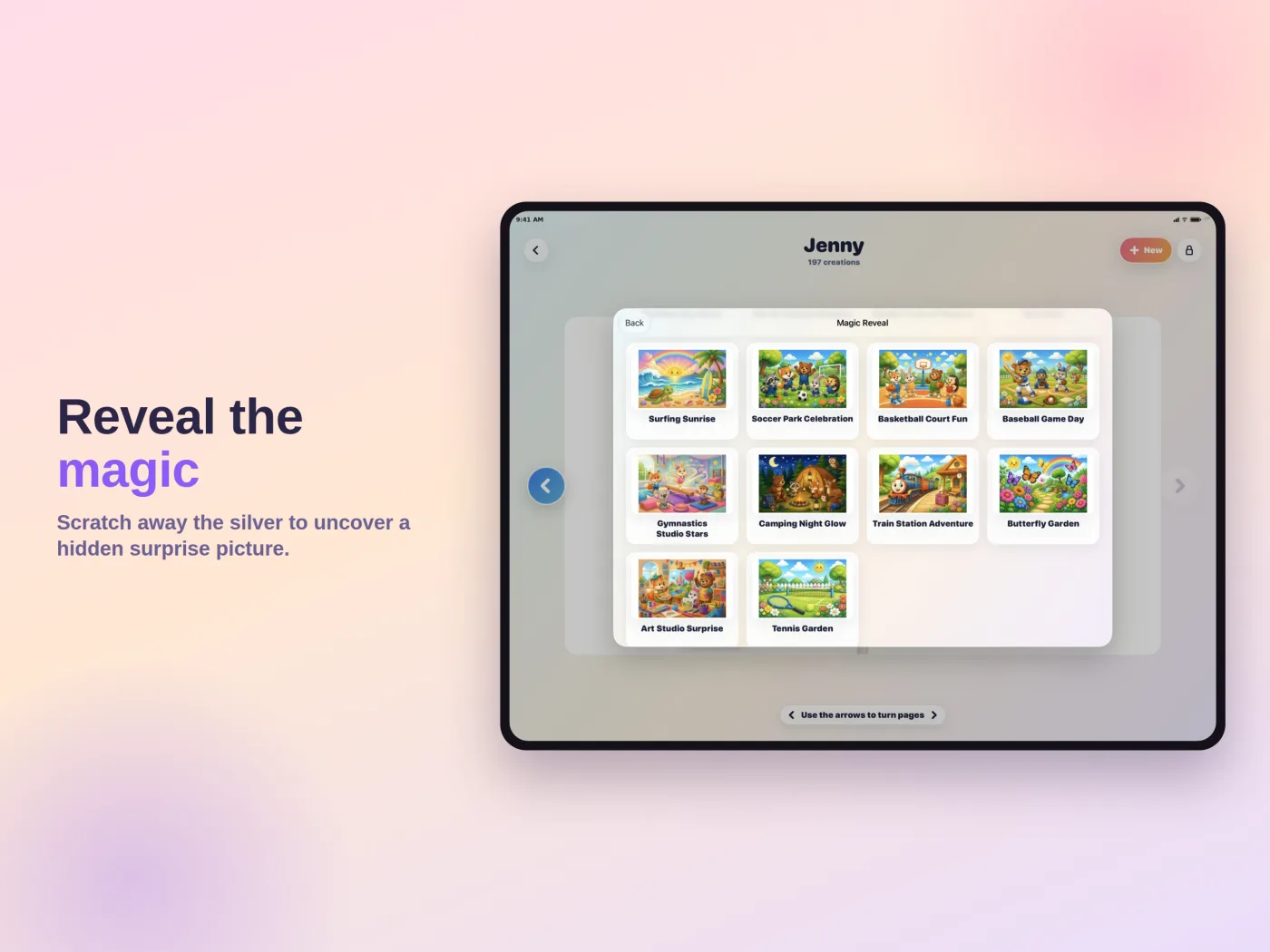
Kid Canvas is a calm art studio where kids draw, color, solve mazes, uncover magic reveals, and dream up brand-new coloring pages—with no ads interrupting the fun.
 Free to download · Ages 4+
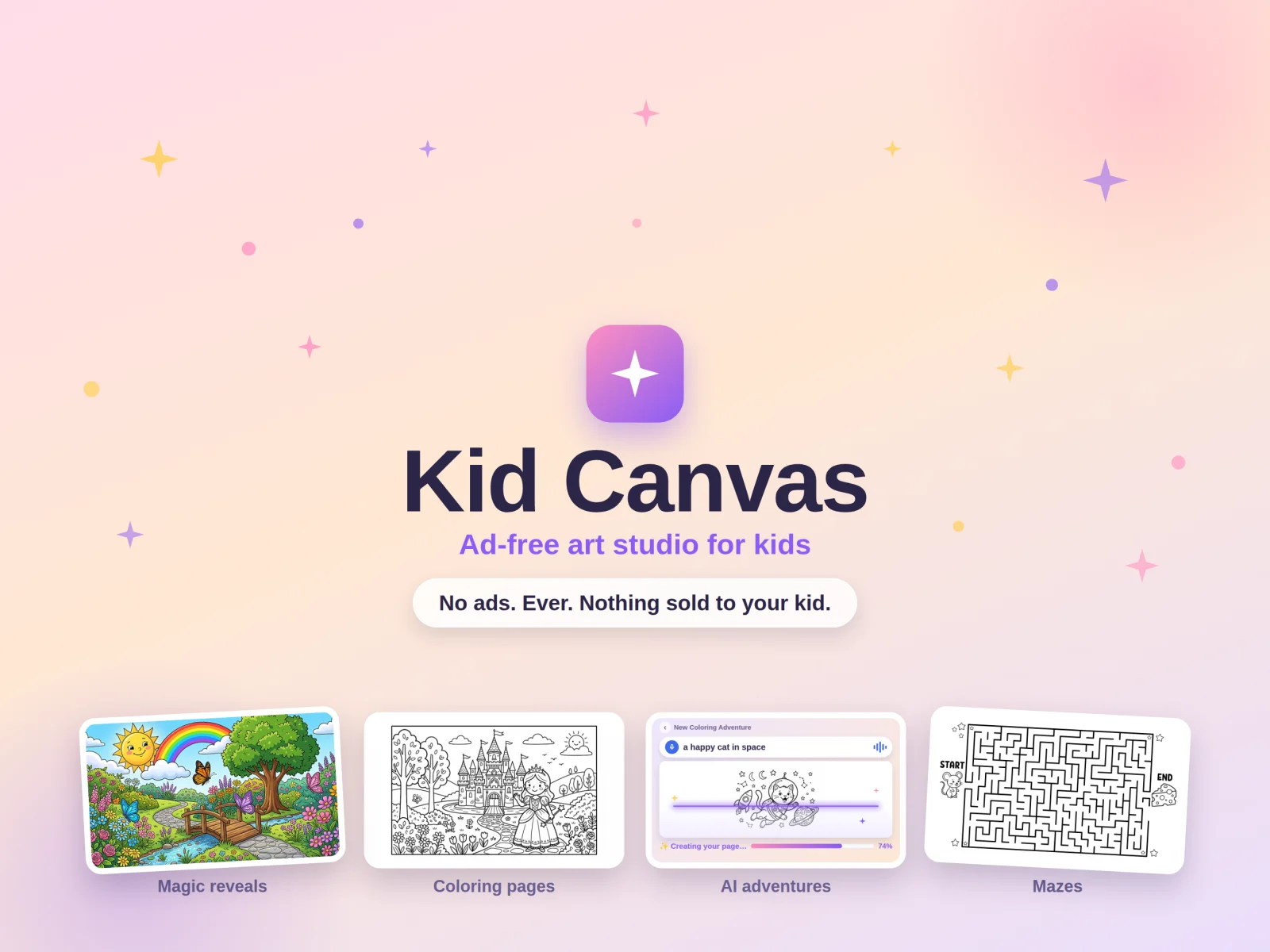
A princess castle garden. A happy cat in space. A tractor on a farm. Speak it or type it, and Kid Canvas turns the idea into a clean coloring adventure.
Real creative tools meet ready-to-play books. Kids can move between quiet coloring, free drawing, mazes, and scratch-away surprises without leaving their art space.
Every creation stays organized inside a kid's own art book. Families with Kid Canvas Plus can keep artwork synced across supported family devices with iCloud.
Kid Canvas was built as the alternative to noisy, ad-stuffed children's apps. The calm experience is not a setting—it is the foundation.
Drawing, mazes, magic reveals, and included coloring pages are free. Plus adds a larger AI allowance, every themed pack, and Family Sync.
Coloring, age-banded mazes & magic reveals
Coloring, age-banded mazes & magic reveals
Coloring, age-banded mazes & magic reveals
Prices shown are U.S. App Store prices and may vary by country. Subscriptions renew automatically unless canceled at least 24 hours before renewal. Purchases are completed by a parent through Apple.
The short version: kids get the studio; parents keep control.
Yes. The core studio, included content, and five cloud AI pages to try are free. Plus and Adventure Packs are optional parent-gated purchases.
No. Kid Canvas has no third-party ads or ad networks, and the app does not sell your child's data.
A child's short idea is filtered before a coloring page is made. Their drawing itself is not sent as the AI prompt. On supported devices, Apple's Image Playground can also create pages on-device.
Kid Canvas Plus includes Family Sync through iCloud on supported devices. Turn it on in Parent Area and wait for syncing to finish before removing the app from an old device.
Visit Kid Canvas Support or email support@garritsonapps.com.
Kid Canvas is free to download today.